
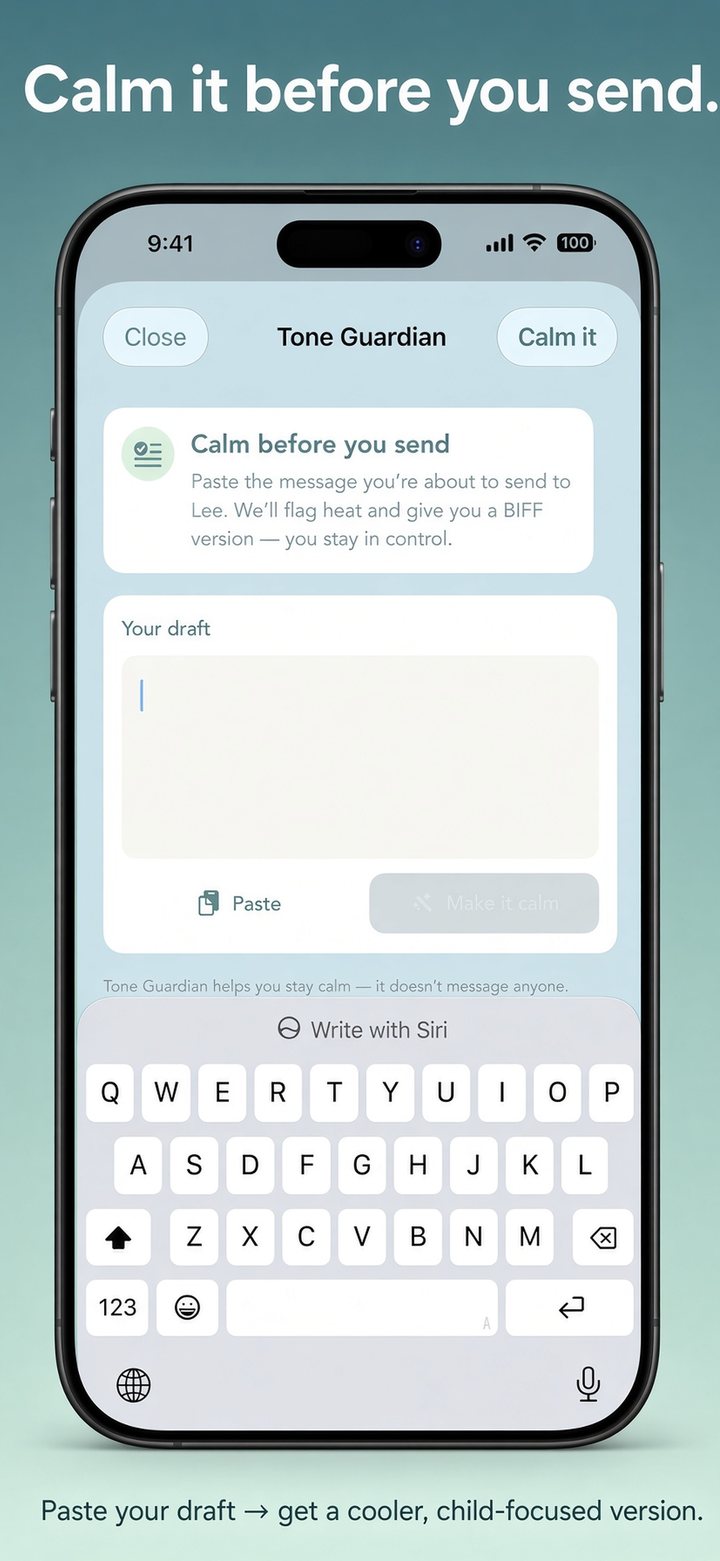
You’ve written the angry version. Tone Guardian helps you send the version that protects the kids and your long-term record.
What you get
- Flags for heat, blame, and escalation risk
- A calmer, BIFF-style rewrite you can still edit
- Clear reminder: we don’t message anyone for you
How to use it
- Open Tone Guardian from chat starters.
- Paste the draft you were about to send.
- Tap calm / rewrite. Copy the version you’ll actually send.
When to use Shield vs Tone
- Message Shield — they sent something hard; you need a response strategy.
- Tone Guardian — you wrote something hot; you need a cooler send.
Related: Message Shield, before you send, text templates, by state, all guides.
Try it on iPhone
Free trial · 7 days or 20 messages, whichever comes first. Cancel anytime in App Store settings.
